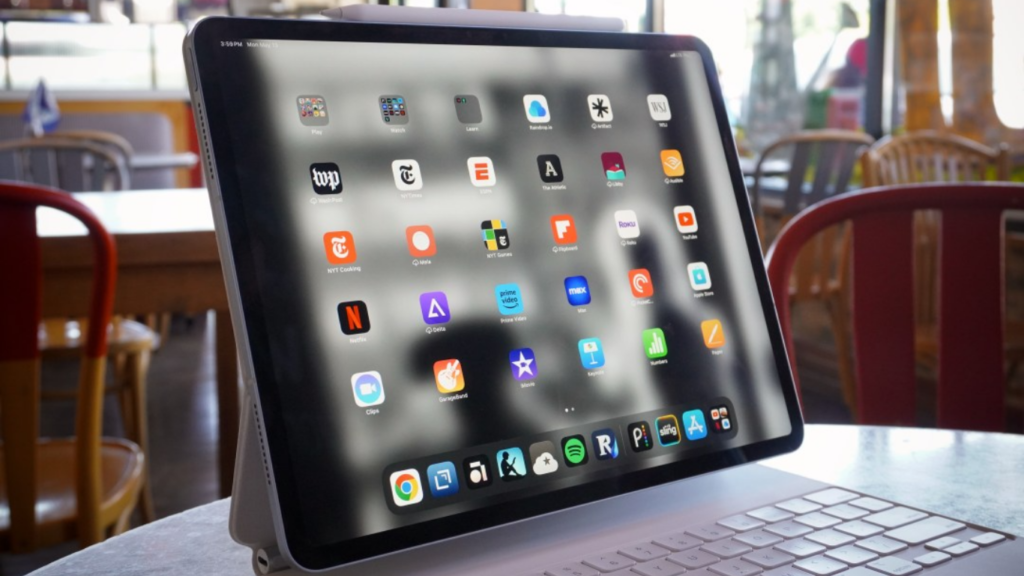
Which iPad to Buy in 2025: The Right Fit for Every User
Apple’s tablet lineup continues to evolve, but the decision-making process has become more complex for consumers. In 2025, several models are on offer—each with distinct strengths, prices, and target users. Whether you’re choosing a tablet for daily browsing, content creation, or development work, this guide will help you identify the right iPad for your goals.
A Snapshot of Apple’s 2025 Lineup
The current iPad range includes:
-
Base model (10th generation)
-
Mini (6th generation)
-
Air (5th generation)
-
Pro (11-inch and 12.9-inch models)
-
Legacy 9th generation still in circulation
These options vary in size, processing power, accessory support, and display tech—so choosing isn’t about specs alone, but how those specs serve your workflow.
The 10th Generation: Everyday Simplicity
The 10th-generation iPad is Apple’s latest baseline model. With a 10.9-inch screen and USB-C charging, it brings modern design to the entry tier.
It uses the A14 Bionic chip—capable of handling most apps, web usage, and streaming—with support for Apple Pencil (1st gen via adapter). For casual users and students, this is a reliable, affordable option that won’t feel outdated for several years.
iPad Mini: Power in a Smaller Frame
The Mini’s 8.3-inch display, paired with the A15 chip, gives it serious performance in a compact form. It’s ideal for professionals who want portability without sacrificing speed.
Frequent travelers, field workers, and note-takers will find this model useful. Though not a productivity powerhouse, it’s excellent for basic multitasking and content consumption.
iPad Air: The Balanced Performer
Powered by Apple’s M1 chip, the Air brings high-end capabilities to a mid-tier device. Its 10.9-inch laminated display and Magic Keyboard support make it a great choice for digital artists, students, or anyone who wants laptop-like flexibility without the Pro price.
The Air sits at the sweet spot between cost and capability—offering fast performance, lightweight design, and compatibility with pro-grade accessories.
iPad Pro: For Maximum Power
Apple’s Pro series uses the M2 chip, offering performance comparable to its MacBook counterparts. Available in two sizes, these tablets are designed for professionals who demand the best from their tech.
Creative users—like video editors, designers, or developers testing mobile workflows—can take advantage of Thunderbolt ports, high refresh rates, and large storage capacities.
The 12.9-inch model, with its mini-LED display, is particularly attractive to those who rely on accurate color rendering and extended multitasking.
The 9th Generation: Only If You’re on a Tight Budget
Still available in some markets, the 9th-gen model offers a Home button, Lightning port, and A13 chip. While it meets basic needs, it’s showing its age and lacks long-term support potential.
If your use is extremely light—like eBook reading or form filling—it’s passable. Otherwise, the 10th-gen model is a much better value.
Quick Model Match-Up
| Use Case | Recommended Model |
|---|---|
| Browsing & email | 10th Gen |
| Portability | Mini |
| Creative tools | Air |
| Pro workflows | Pro (11″ or 12.9″) |
| Tight budget | 9th Gen (if necessary) |
While iPads don’t run full desktop IDEs like Xcode, developers can still benefit from modern tablets in testing environments or when prototyping UI.
The Pro and Air are especially useful for previewing app behavior in multitasking layouts or for working with browser-based tools. Swift Playgrounds has also improved, making casual coding and UI logic review possible directly on the device.
Gaming Potential on Apple Tablets
Gamers will appreciate the high refresh rate and GPU performance of the Pro line. Games like Genshin Impact or Apex Legends Mobile run smoothly at higher settings.
Pairing a controller and playing via Apple Arcade or cloud platforms like Xbox Cloud Gaming makes iPads increasingly viable as portable gaming consoles. The Air also performs admirably, though without the ProMotion display.
Hardware Considerations for Manufacturers
With Apple’s push toward USB-C across the board, accessory makers should now focus exclusively on that standard. Input devices, chargers, and docks all benefit from this streamlined direction.
The iPad’s adoption of M-series chips also means developers can think in terms of shared architecture across tablets and laptops—potentially unifying testing and accessory performance expectations.
For More iPad Options
For the latest pricing, specifications, and comparisons, visit this trusted source:
-
Apple Official Site – Explore all current iPad models directly from Apple.
These resources are regularly updated and provide comprehensive details to help you make an informed purchase.
Final Thoughts
Choosing the right iPad is about aligning features with your specific needs. Apple now offers devices that range from budget-friendly media tools to high-end productivity machines.
The right model depends on whether your focus is on mobility, power, compatibility, or price. Evaluate how you plan to use it before making your choice.
Stay Ahead in Tech
📡For more tech insights, visit: https://kodecraze.com/news/